

 Direct purchase from the factory

![[US DIRECT] ATOMSTACK A5 M50 APP Control Dual-Laser Laser Engraving Cutting Machine Laser Engraver Cutter 5.5W Output Power Fixed-Focus 304 Mirror Stainless Steel Engraving DIY Laser Marking for Metal Wood Leather Vinyl](https://static.roymall.com/d/file/mall/titlepic/235/67803406-41f3-499a-afb7-154990584ff8.jpg?x-oss-process=image/resize,w_237/quality,Q_80/format,webp)

![[EU/US Direct]Raiser for LONGER RAY5 Engraver](https://static.roymall.com/d/file/mall/bigpic/235/65e9b76d-574a-4b4b-9c6c-02db18b89460.jpg?x-oss-process=image/resize,w_237/quality,Q_80/format,webp)
![[US/UK Direct] Refurbished ULTIMEA Nova S70 3.1.2 Soundbar 390W True Dolby Atmos Soundbar BassMax 4K Dolby Vision HDR Passthrough 3EQ Modes Wired Speaker Subwoofer](https://static.roymall.com/d/file/mall/titlepic/235/e1440062-c78c-4565-8aa7-f8857d749771.jpg?x-oss-process=image/resize,w_237/quality,Q_80/format,webp)


1.You can contact the customer service. for any question regarding the product.
2.Ask the question in English to get answer faster.
3.Keep your question short and to the point.
Questions:0/2000


 Multi Rotor PartsFPV SystemRadios & ReceiverBattery & ChargerTools & Bags & StorageConnector & Cable & WireRC ServosElectronic Learning ToysPlane & Parachute ToysSolar Powered ToysPottery Clay & ToolsPaper Art & DrawingBlocks & Track ToysModel BuildingDiecasts & Model ToysProtective GearsMotorcycle LightsCharger & Socket AdapterMotorcycle Engines & ComponentMotorcycle HelmetMotorcycle DIY KitsMotorcycle AccessoriesMotorcycle Alarm & SecurityCar Stickers & DecalsCar CoversWindow FoilsCar Protective FilmCar Protective Film Body ArmorLicense Plate AccessoriesDIY Electronic KitsElectronic Accessories & SuppliesModule ComponentsBoard & ShieldExpansion Board & ShieldSmart ModuleSensor & Detector ModulePower Supply ModuleRaspberry Pi & Orange PiSecurity Alarm SystemSmart Remote ControlWeather Station & ThermometerAccess Control & IntercomsHome Automatic KitsAutomation ModulesClocksHome Decor StickerDecorative PaintingDecorative CraftsStorage BagsStorage BoxesItems Storage & OrganizationSeedsWatering & IrrigationGarden LightsPest Control ProductsBathroom ApplianceShowerhead & AccessoriesBathroom Storage & OrganisationBathroom SafetyDoor Hardware & LocksIndustrial HardwareDecorative HardwarePackaging & ShippingStorage & OrganizationFurniture HardwareKitchen Tools & GadgetsDrinkware & Tea SetsBakeware & AccessoriesHome Brewing & Wine MakingKitchen Knife & CutleryBarbecue & Picnic SuppliesDinnerware & FlatwareXiaomi Kitchen Appliance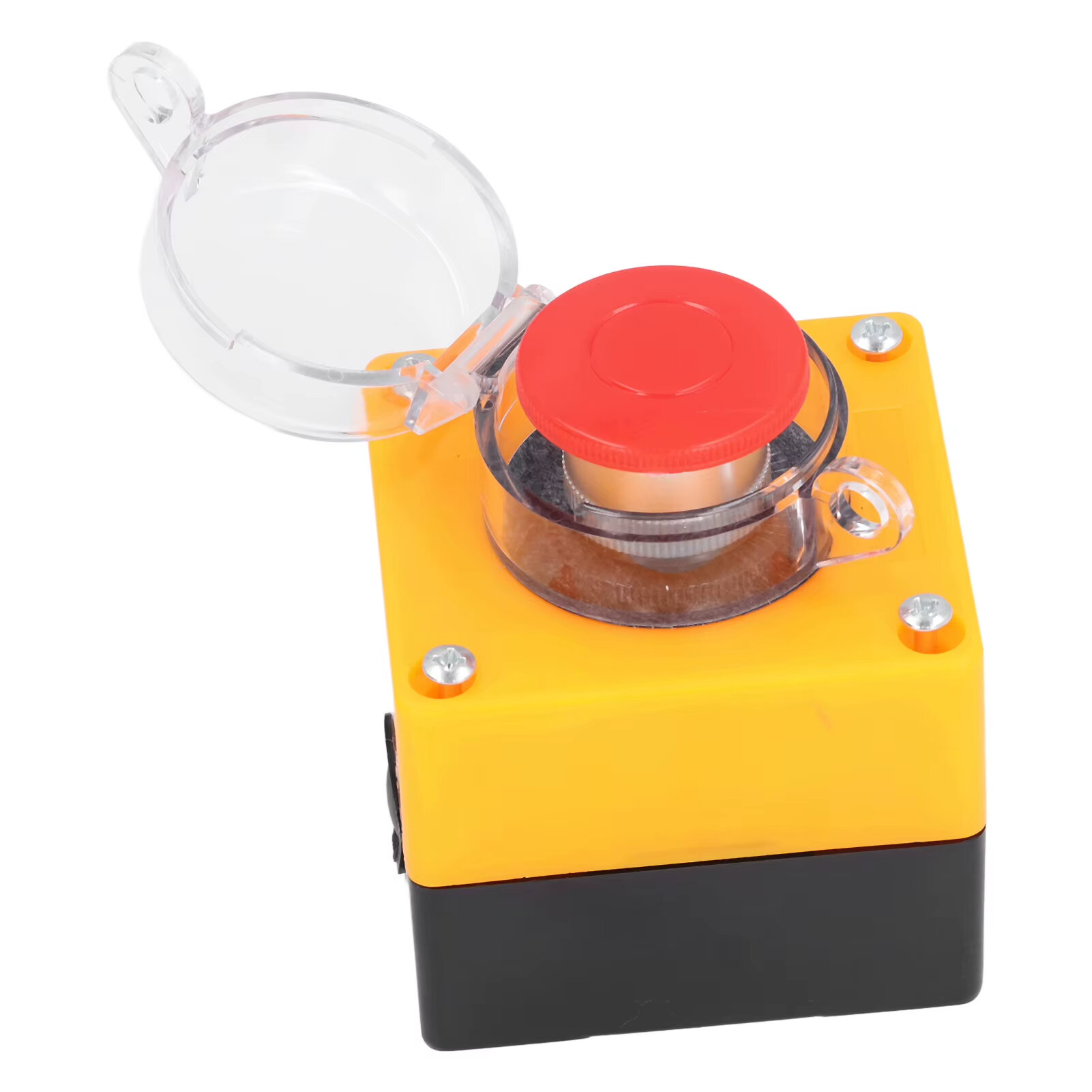
Kwishyura neza bihamye

 Impano y'ubuntu
 Politiki yo kohereza
 Politiki yo kugarura
Specification:
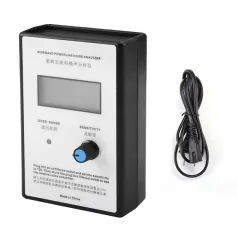
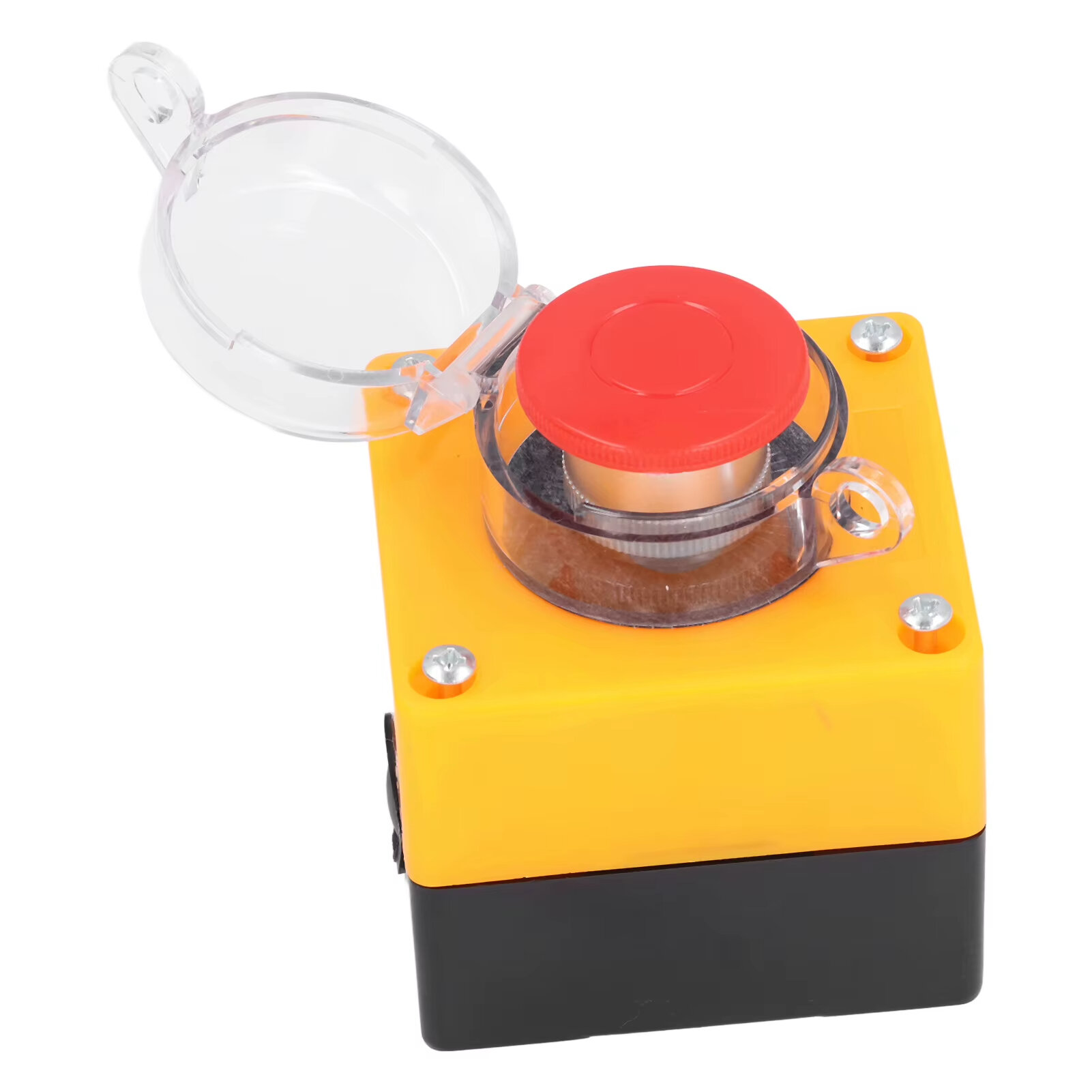
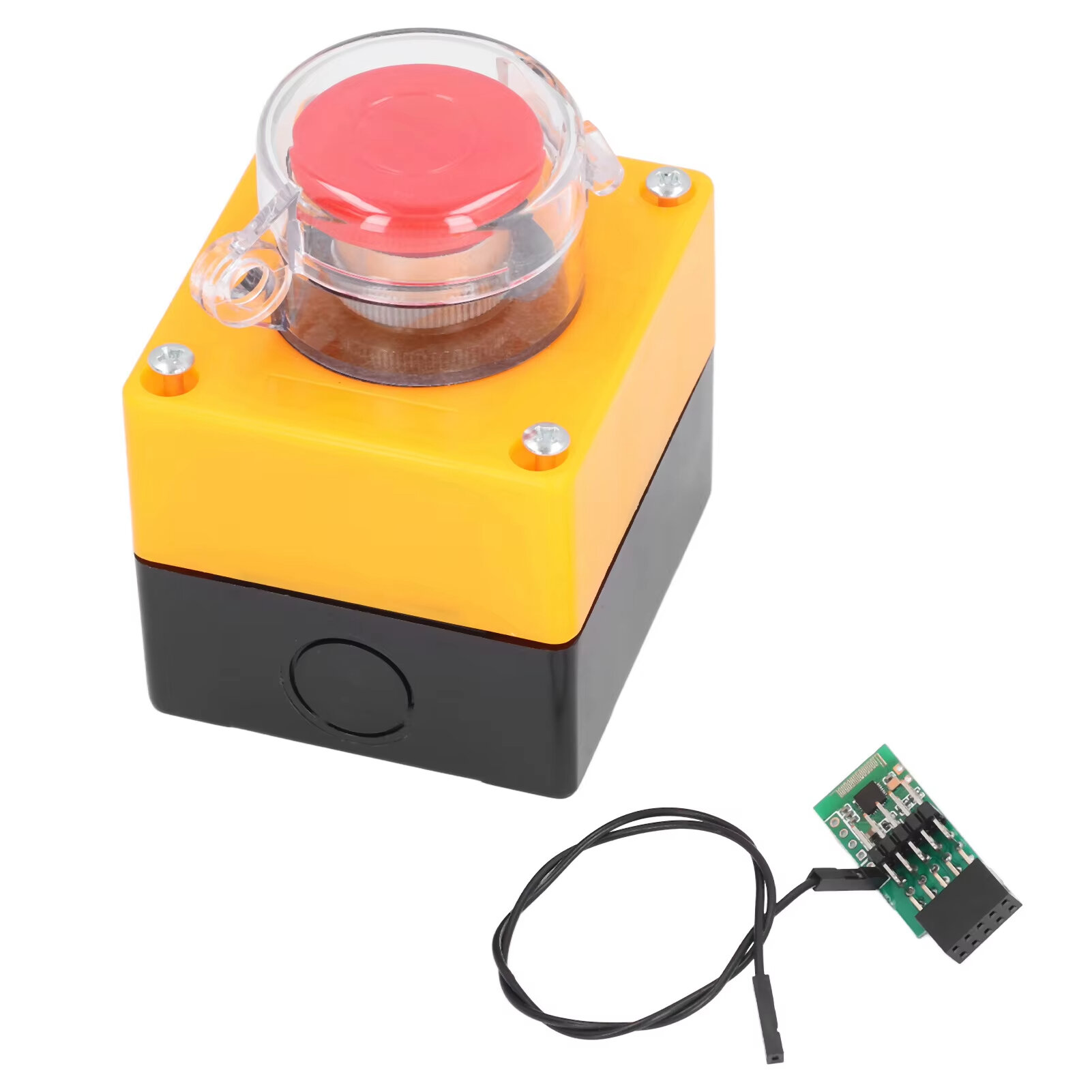
Item Type: Wireless External Computer Power Button Switch
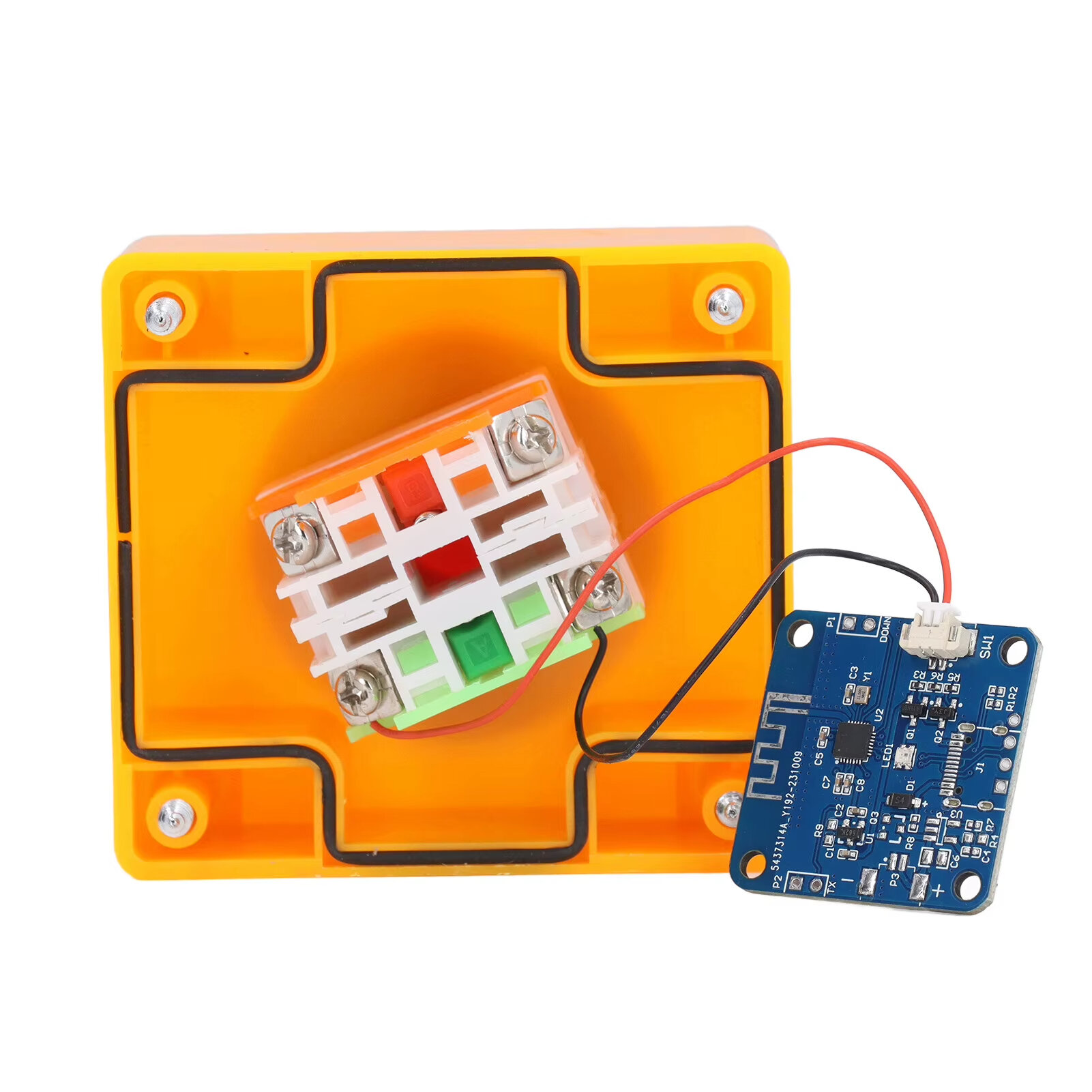
Material: ABS, PCB
Battery: CR2032 button battery x 1
Battery Capacity: 150mah (shipped with built in battery)
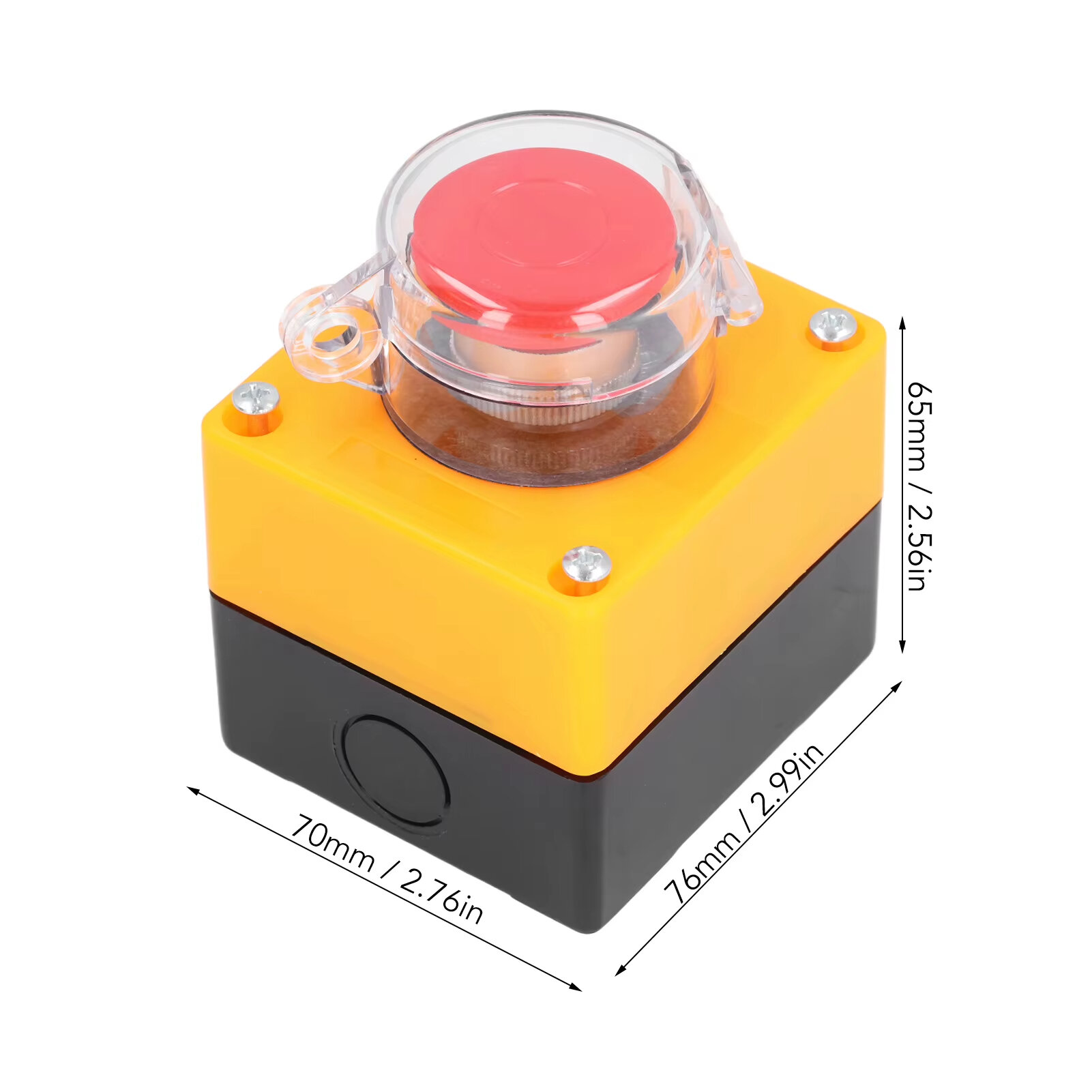
Size: 76*70*65mm
Weight: 164g
Features:
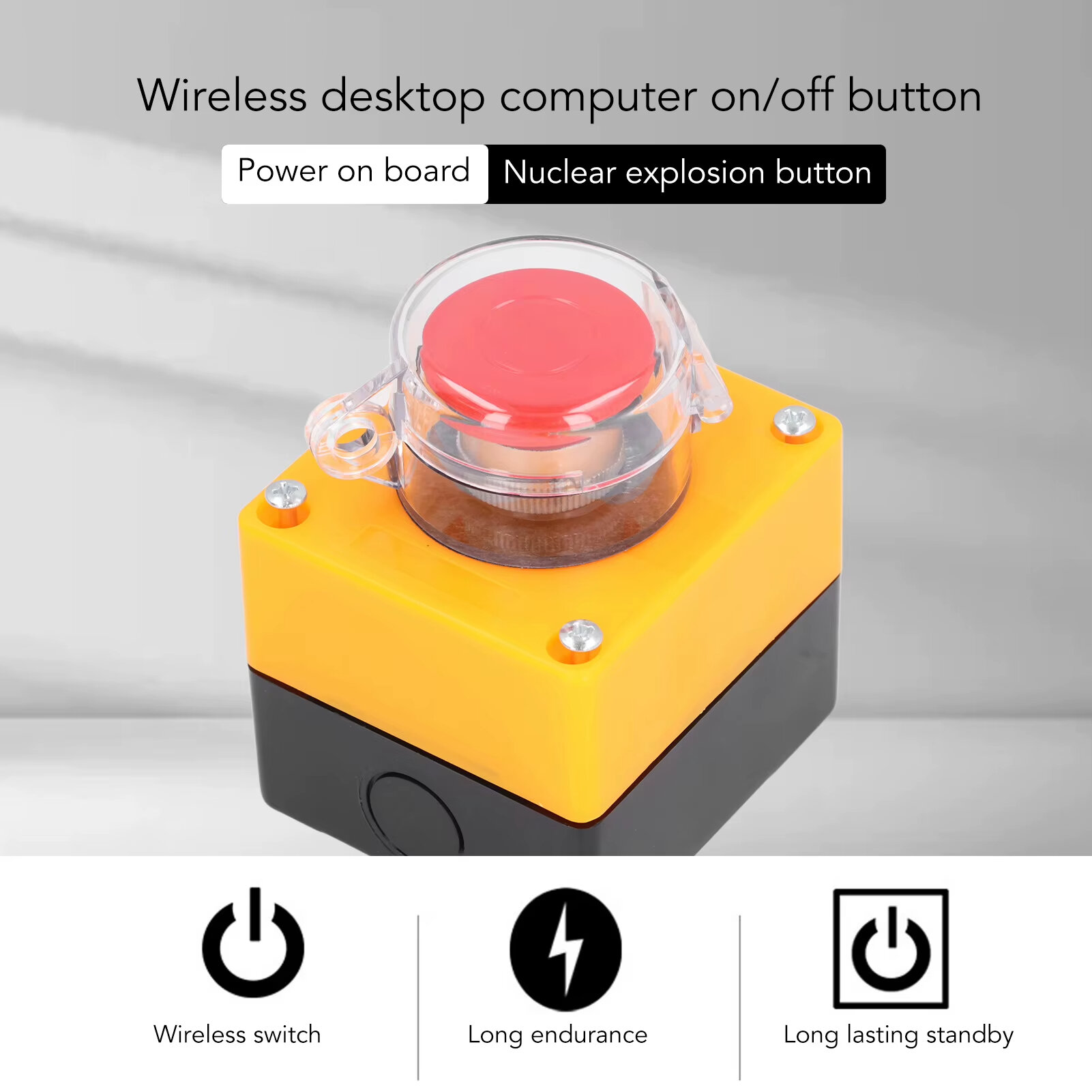
1. WIRELESS POWER BUTTON: This wireless desktop power switch allows you to conveniently turn on your computer within a range of 5 meters. Say goodbye to bending over or reaching for the power button on your computer case. With the option to enable the for BIOS USB power feature, it offers easy and wireless access without the need for charging and ensures long lasting standby functionality.
2. TIDY WORK SPACE: With this wireless external desktop power button, you can control your computer without long cables, keeping your work space neat and tidy. It helps maintain a clean and cool working environment, eliminating the clutter caused by traditional power buttons and cables.
3. REMOTE FUNCTIONALITY: This power switch enables remote operation, allowing you to effortlessly turn on or off the power of your PC tower from a distance. Say goodbye to the hassle of reaching behind your computer or crawling under your desk to access the power button.
4. EASY INSTALLATION: Installing this PC power switch is a breezes. Simply insert the control chip into the PCIE interface on your motherboard, and you"re able to take control of your computer"s power. Ensure that your motherboard has a PCIE interface before installation.
5. IMPROVED CONVENIENCE: With this wireless desktop power switch, you can enhance the convenience of controlling your computer. It provides a simple and efficient solution for powering on your PC, allowing you to focus on your work without any interruptions or cumbersome setups.
How to Use:
The motherboard boot 9 pin position is defined, and the side of the boot small board with a chip faces the side of the board edge.
Mainboard USB2.0 9 Pin definition. The single power bar cable on the startup board needs to be plugged into the USB and 5V.
1. Locate the 9 pin startup bar on the mainboard, remove the original bar, and insert the startup board.
2. Insert the eight cables on the mainboard into the startup board in the original sequences.
3. Connect the power bar on the startup pad to the USB 5V power supply pin on the mainboard.
4. At this point, the installation of the startup board is complete, and the power supply option of USB shutdown is enabled in the computer BIOS. Because there are many types of motherboards, please find out how to enable this option.
5. Press the nuclear explosion button to turn it on.
Package Include:
1 x Desktop Power Button Switch
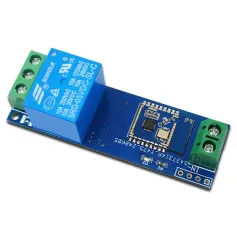
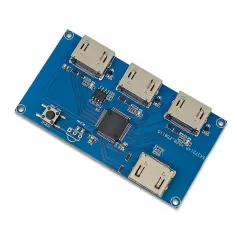
1 x Mainboard Boot Board
A part of the review has been auto-translated.
Tips:For questions about your order, place of delivery, product discount, taxation, delivery time, warranty, shipping, payment, exchange rate, and other questions unrelated to the product, please contact customer service.
A part of the QA has been auto-translated.
Kugira ubone amakuru mashya no kugabanuka kwa 15% ku gutangura.



Hi ?
How can we help?